 FARM
FARMGuide
Instagram Profile Audit for Two Accounts: Worksheet
Audit two authorized Instagram profiles before a consumer-app launch, test each destination, and leave with a copyable fix record.

An Instagram profile audit should answer a practical question: if someone arrives at this account today, do they understand who it is for and where to go next? For a consumer-app launch, that answer may differ between the main brand profile and a local community profile. A single generic checklist can miss the mismatch.
PhoneFarm lets you open and use multiple Instagram accounts. If you're authorized to operate both launch profiles, open each account on PhoneFarm, confirm its handle, and inspect its visible profile separately. Use our two-account audit worksheet to record what you actually see and copy a fix list. The worksheet is manual: it has no Instagram connection, automatic profile scan or hidden performance estimate.
Start with a job for each profile
Before reading the bio, write the visitor's intended next action. For a fictional running-club app, the main account might send people to the app's iOS product page. A city chapter account might invite people to a real, approved local event page. These are different decisions, so copying the same bio and destination into both accounts would be a poor default. The example is hypothetical; no customer campaign or app result is being reported.
Write down the exact handle, intended audience, approved destination and person who can approve a change for each account. Our multiple-Instagram-account guide covers broader account organization. This audit has a narrower output: a profile-entry check and one named correction per account. You can find the rest of our operating articles on the PhoneFarm blog.
Meta has described native account and profile switching in its own services, including optional Accounts Center connections. That is platform context, not a requirement to connect profiles to PhoneFarm or evidence that two Instagram identities share settings. Source: Meta The safer operating habit is simpler: read the visible handle every time before you record or change anything.
Check four things in the active account
Open the first authorized Instagram account on PhoneFarm and compare its visible handle with your plan. If it is the wrong identity, stop. Then inspect the profile as a visitor would:
- Identity: Is this the intended profile, with a recognizable name and image for its job?
- Promise: Can the intended visitor tell what this account offers without guessing from old posts?
- Destination: Does the stated link or contact action open the correct, approved place when you test it?
- Current entry point: Does the first visible post or pinned item still support the same message?
These are editorial checks, not Instagram rules or a score for ranking accounts. In the worksheet, enter the exact approved destination or URL, approval owner, and the visible post or entry point you inspected. Confirm in the form that you opened that exact authorized account on PhoneFarm. Mark each item Matches, Needs a fix, or Not checked, then add the observation that supports your answer. A blank or unavailable control is not a pass.
If the launch is for an iOS app and the team uses an App Store campaign link, verify the exact link the team approved. Apple says campaign links can direct users to an app's App Store product page and support campaign measurement in App Store Connect Analytics. Source: Apple Developer That is an optional Apple measurement path, not PhoneFarm analytics, and the audit does not claim an install occurred when a link opens.
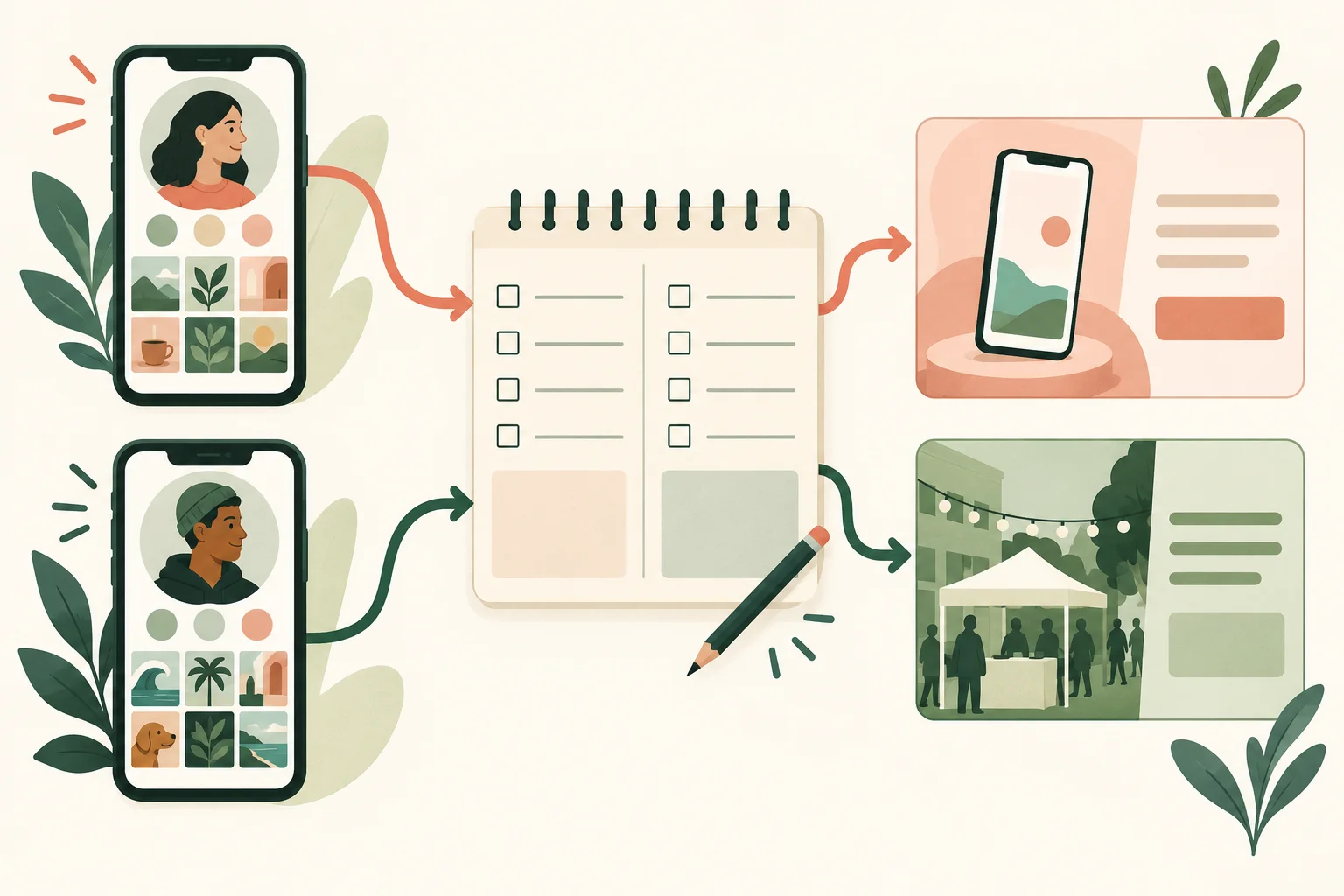
The two routes in this illustration are intentionally separate. A correct destination for the main account can still be wrong for the local account.
Repeat the audit, then hand off one fix per account
Open the second authorized account on PhoneFarm and confirm its handle before inspecting the same four items. Keep its observations in the second worksheet column. Do not carry a pass from the first account into the second. A local profile may have a different audience, current offer, link owner and approval route.
Here is a fictional, unverified example of the kind of output the worksheet should produce:
| Account | Approved destination | What the operator would record | Owner and next decision |
|---|---|---|---|
@pacepath_app | Team-approved iOS product page | Example observation: bio describes the app and first visible post is an app explainer, but the link has not been tested | Launch marketer: mark destination Not checked and test the approved link before calling it ready |
@pacepath_la | Team-approved Los Angeles group-run page | Example observation: the visible bio still points to last season's event; first visible post announces the current season | Local program owner: mark destination Needs a fix and approve the current event page |
The handles and observations are invented. They show the difference between an untested link and an observed mismatch; they are not a real PhoneFarm session. Use the tool's Copy record button to give the right owner a short handoff with the exact handle, approved destination, inspected entry point, observed evidence and unresolved checks. Entries live only in the current page session and disappear on refresh or navigation unless you copy them into your team's tracker. If clipboard access fails, select the displayed record and copy it manually.
After a change is approved and made in Instagram, reopen that exact account on PhoneFarm. Check its visible handle again, test the destination from the live profile, and inspect the first visible content. Mark the corrected item Matches only after that observation. The tool labels an account Ready based on entered observations only when you confirm the exact account check, fill its required details and mark all four checks Matches. This is the operator's record, not an automated verification. If an observed check needs work, enter the approval owner and a next fix. If you cannot access the account at all, do not claim you inspected it: select the deliberate hold box and record the access blocker, owner and reason. A missing owner or reason remains Unfinished; a valid On hold record is intentionally unresolved. Neither one completes the launch-readiness audit.
For a broader pre-publishing handoff, use the Instagram and YouTube readiness guide. If this multi-account operating approach fits your team, review PhoneFarm pricing. Neither this worksheet nor PhoneFarm guarantees reach, app installs or a particular search position.